

Facebook Reels Downloader
Facebook Reels sit behind a different link format from ordinary videos. Paste a reel address here and the vertical MP4 comes back with its audio intact.
Waiting for a link
Reading the link
This usually takes a few seconds.
Your video is ready
Tap a button below to save the file.
How to download
-
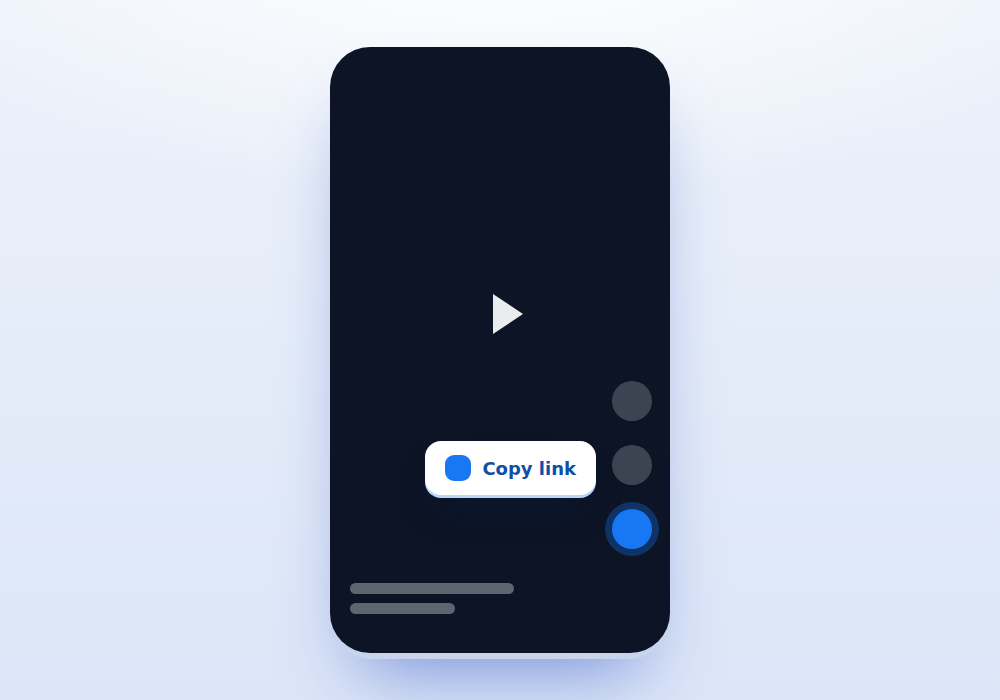
Copy the reel link
While the reel plays, tap the share arrow and choose Copy link. The address will contain facebook.com/reel followed by a long number.
-
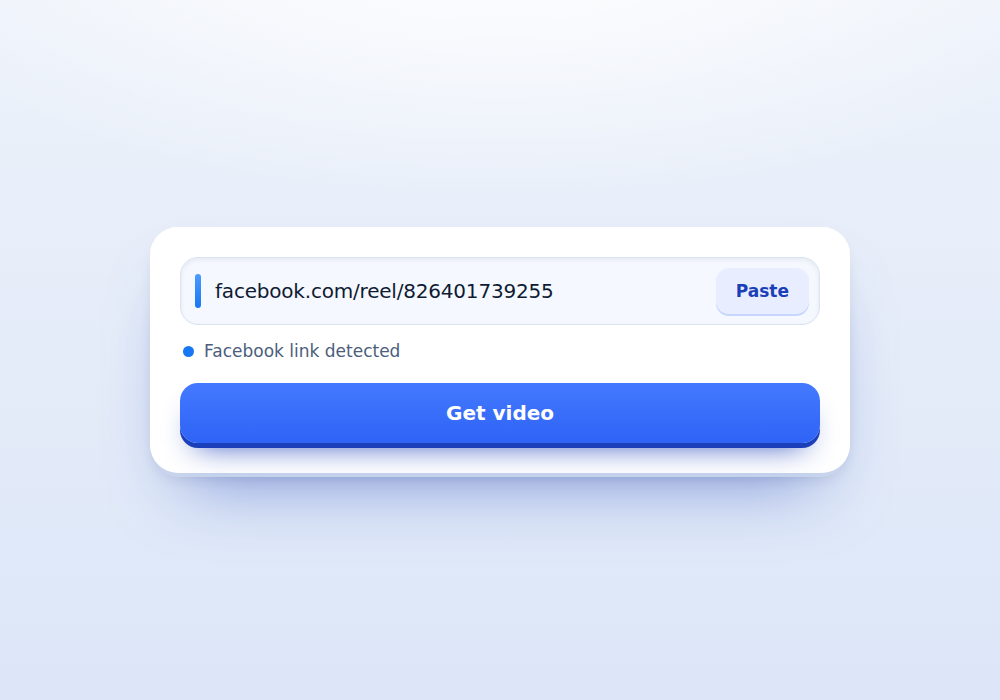
Paste it above
Use the Paste button. Reel links and fb.watch short links are both accepted here.
-
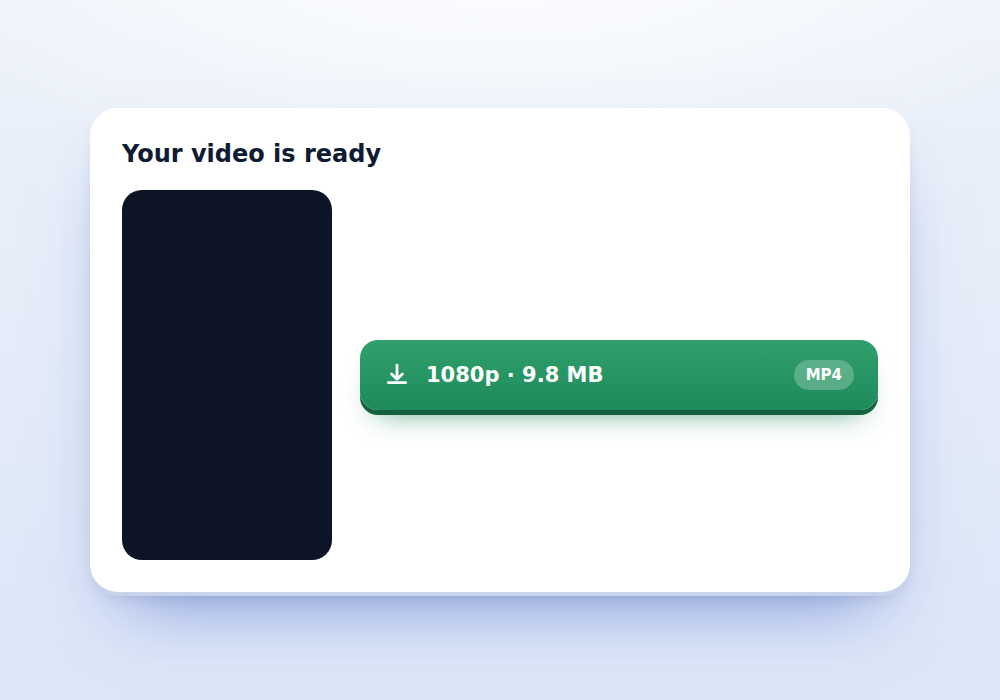
Download
Press Get video. The preview keeps the tall shape so you can confirm the right reel before saving it.
What you get
-
Reel links understood
The facebook.com/reel format is handled directly, so you do not have to hunt for a watch address.
-
Full vertical frame
Nothing is cropped and no bars are added. The file matches what was uploaded.
-
Audio kept
Picture and sound arrive together in one MP4 with no merging step.
-
Short link support
fb.watch and share addresses are resolved automatically before the lookup runs.
-
Runs on old phones
The page is deliberately light, so it still works on budget Android handsets and slow networks.
-
Longer videos elsewhere
For standard uploads and watch pages, use Facebook Video Downloader instead.
Why Reels need their own page
Facebook Reels look like Instagram Reels and behave like them for viewers, but the plumbing underneath is Facebook plumbing. The address format is different, the video is registered under a reel identifier rather than a video identifier, and short links resolve through a different path.
A downloader that only understands facebook.com/watch addresses will reject a perfectly good reel link. This page understands both, which is why it exists separately from the Facebook Video Downloader page even though the download itself works the same way.
Reels that started life on Instagram
Many Facebook Reels are cross posts. A creator uploads to Instagram, ticks the box to share to Facebook, and the same clip appears in both places under two different links.
That matters for two reasons. First, the Facebook copy is often recompressed, so it can be slightly smaller and softer than the Instagram original. If you can find the same reel on Instagram, the Instagram Reels Downloader page will usually give you the better file.
Second, cross posted reels frequently carry the Instagram watermark burned into the corner. That mark is part of the picture, not an overlay, so no tool can remove it cleanly. Anything advertising watermark removal is cropping or blurring the corner.
Copying a reel link that actually works
Tap the share arrow on the right side of the playing reel, then Copy link. This gives you a facebook.com/reel address, which is exactly what this page wants.
Avoid copying from the Reels tab thumbnail grid, which sometimes yields a profile address. Open the reel first so it plays full screen, then share.
On a desktop browser, reels open in their own player. Copy the address bar once the reel is playing on its own page rather than while scrolling the feed.
Common failures and what they mean
Most failed reels fall into a short list of causes:
- The poster restricted the audience, so the reel is not public
- The reel was taken down, often for a music rights claim
- The link points at a profile or a Reels tab rather than a single reel
- The reel belongs to a page that is unavailable in your region
- The address was truncated when copied, cutting off the numeric ID
A truncated link is the easiest to fix. Copy it again using the share menu rather than selecting text by hand, and make sure nothing was cut off at either end.
Quality expectations for Facebook Reels
Reels are compressed harder than long form Facebook uploads because they are designed to start instantly on mobile data. Expect a smaller file than a video of the same length posted normally.
Because most reels are short, files usually land between three and fifteen megabytes. Facebook sometimes offers only one file for a reel rather than the HD and SD pair it provides for standard videos, and where that is the case you will see a single button.
As on the other pages, the resolution shown on each button is measured from the file itself rather than taken from what Facebook claims, so the number you see is the number you get.
Using a saved reel responsibly
Reels are the format most often reposted without credit, and it is the fastest way to annoy the person who made the thing you liked enough to save. Name the creator when you share, and link back to the original where the platform allows it.
Music rights are the other trap. A reel can be perfectly downloadable and still contain a track licensed only for use inside Facebook. Reuploading it elsewhere can trigger a claim against your account even though the download itself broke nothing.
Frequently asked questions
What does a Facebook reel link look like?
It contains facebook.com/reel followed by a long number. Share menu links and fb.watch short links also resolve to that form and are accepted.
Can I remove the Instagram watermark?
No. On cross posted reels the watermark is part of the video frame itself. Removing it would mean cropping or blurring, which damages the picture.
Why is there only one quality button?
Facebook often publishes a single file for reels rather than the HD and SD pair it creates for longer uploads. When a second complete file exists, it is shown.
Do reels download with sound?
Yes. The MP4 contains both the video and the audio track in one file.
Can I download a reel from a private profile?
No. If the reel is not viewable while logged out, it cannot be fetched by anyone who is not signed in as an approved viewer.
Is there a limit on how many reels I can download?
There is a short fair use limit per minute to keep the server responsive. Ordinary use will not reach it.
Does this work on an iPad or tablet?
Yes. Any modern browser works. On iPadOS the file is saved into the Downloads folder inside the Files app.