

Instagram Reels Downloader
Reels are built to be watched once and swiped past. Paste the link to any public Reel and you get the vertical MP4 back, sound and all, ready to keep.
Waiting for a link
Reading the link
This usually takes a few seconds.
Your video is ready
Tap a button below to save the file.
How to download
-
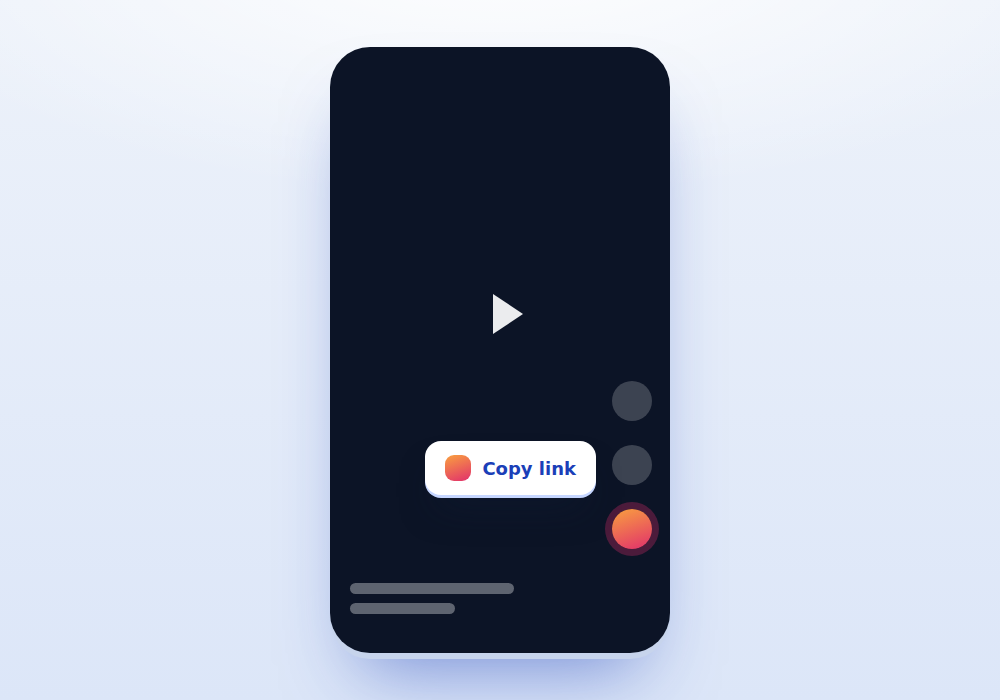
Open the Reel
While the Reel is playing, tap the arrow or the three dots on the right hand side and choose Copy link.
-
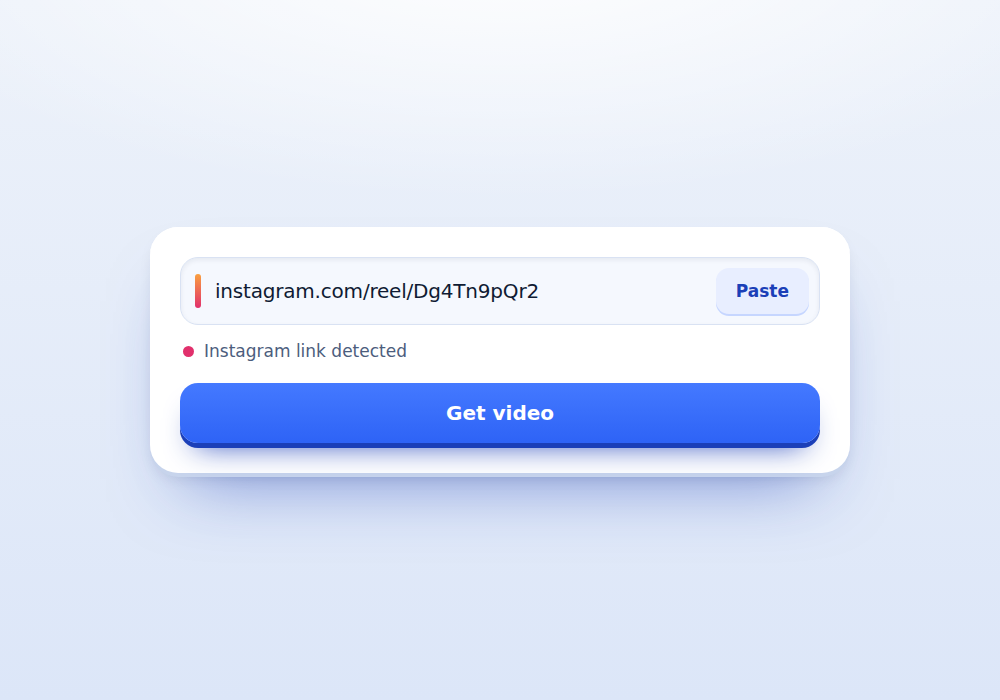
Drop the link in
Come back to this tab and press Paste. Reel links start with instagram.com/reel and are recognised straight away.
-
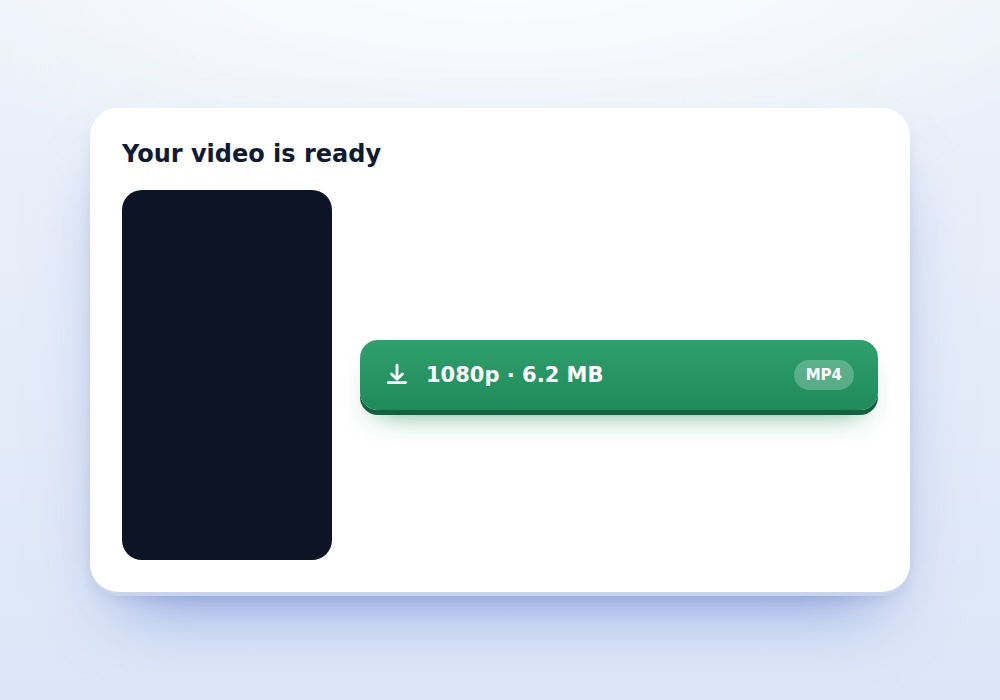
Keep the clip
Press Get video. The preview keeps the tall 9:16 shape so you can check you grabbed the right Reel before saving.
What you get
-
Vertical stays vertical
No cropping and no black bars added to the sides. The file has the same dimensions the creator uploaded.
-
Sound included
The audio track comes with the video in a single file, so nothing needs to be merged afterwards.
-
Fast on mobile data
The page is light enough to load on a weak connection, which matters when you are saving a Reel on the move.
-
No sign up
No account, no email, no password. Paste and go.
-
Honest results
If a Reel cannot be read, you get the actual reason rather than a fake progress bar that leads nowhere.
-
Reels and feed videos
Feed posts work here too, though Instagram Video Downloader is written specifically for those.
How Reels differ from ordinary Instagram videos
A Reel and a feed video are the same kind of file underneath, but Instagram treats them differently enough to be worth knowing. Reels are almost always 1080 by 1920 or close to it, capped at ninety seconds for most accounts, and they carry an audio attribution that links back to the sound used.
That attribution is why some Reels behave oddly when saved. The picture belongs to the creator, but the music may belong to a label that licensed it to Instagram and nobody else. The file you download contains that audio, and the licence does not travel with it.
Feed videos are more flexible in shape, can run far longer, and rarely carry a music attribution. If your link starts with instagram.com/p rather than instagram.com/reel, the Instagram Video Downloader page covers that case in more detail.
Three ways to copy a Reel link
From the Reels tab, tap the paper plane icon on the right of the screen, then choose Copy link at the top of the share sheet. This is the quickest route and works even while the Reel keeps playing.
From a profile grid, open the Reels tab on that account, tap the Reel to open it, then use the three dot menu and Copy link. Copying while still on the grid gives you the profile address, which will not work.
From a desktop browser, click the Reel so it opens on its own page and copy the address bar. Reels viewed inside the feed carousel share the same address as the feed, so open the Reel first.
Reels that will not download
A handful of cases fail no matter which tool you use, and it is worth recognising them so you do not waste time:
- The account is private, so Instagram serves nothing to logged out visitors
- The Reel was removed, either by the creator or for a copyright claim
- The audio was muted after a rights holder complaint, which sometimes takes the whole post down
- The post is age restricted and sits behind a login wall
- A collab Reel where the original poster has deleted their side
When one of these happens the page tells you which one it is. That is deliberate. A downloader that says try again for every failure teaches you nothing.
Quality, size and what to expect
Most Reels come back somewhere between four and twenty five megabytes depending on length and how much motion is in the frame. A static talking head compresses far smaller than a fast cut dance clip of the same duration.
Instagram compresses on upload, so the file you receive is what Instagram stored, not what the creator originally exported. No downloader can recover detail that was thrown away at upload time. Anyone advertising an upscaled or enhanced version is re-encoding, which makes the file bigger without adding real information.
The height shown on the download button is read out of the video header rather than assumed, so a Reel labelled 1080 really is 1080 pixels tall on its short edge equivalent.
Reposting a Reel without causing a problem
Reels get reposted constantly, and most of the friction comes from a handful of avoidable mistakes. Crediting in the caption is the minimum. Tagging the creator in the video itself is better, because captions get stripped when your post is reposted in turn.
If you are running a brand account, ask first. A short message asking permission to reshare takes a minute and turns a possible complaint into a collaboration. Many creators will say yes and some will send you a cleaner export.
Do not strip a creator watermark, do not crop out their handle, and do not upload someone work as if it were yours. Those three things are what get accounts struck rather than downloading itself.
Saving Reels for offline viewing
Instagram has a built in save function, the bookmark icon, which keeps a Reel in your collections. That is the right tool if you only want to find the post again later, because it stays linked to the creator and updates if they edit it.
Downloading is the right tool when you need the file itself: for a flight with no signal, for a presentation, for editing reference, or because you are worried the post will disappear. Those are different jobs and it is fine to use both.
Frequently asked questions
Does the Reel keep its original size?
Yes. The vertical frame is preserved exactly as uploaded, with no cropping, padding or resizing applied by us.
Can I download a Reel that uses licensed music?
Technically the file downloads with its audio. Legally the music licence does not transfer to you, so reusing that clip commercially can still trigger a claim even though the download worked.
Why does one Reel work and another fails?
The most common reasons are a private account, a deleted post or an age restriction. The error message on this page names the specific cause rather than giving a generic failure.
Is there a length limit?
No limit on our side. Instagram caps most Reels at ninety seconds, and longer uploads are usually stored as feed videos, which also work here.
Do you add a watermark to the Reel?
Never. If you see a handle or logo on the video, it was in the file before we touched it, usually because the creator added it or because the clip was made in another app first.
Can I save Reels on an iPhone?
Yes. Safari puts the file in the Downloads folder of the Files app. Open Files, find Downloads, long press the video and choose Save to Photos to move it into your camera roll.
Will the creator know I downloaded their Reel?
No. Instagram does not notify anyone about downloads, and we do not contact accounts. Views may register normally if you watched the Reel in the app first.