

Facebook Video Downloader
Paste a link to any public Facebook video and choose the quality you want. Facebook usually publishes both an HD and an SD file, and you get whichever exists.
Waiting for a link
Reading the link
This usually takes a few seconds.
Your video is ready
Tap a button below to save the file.
How to download
-
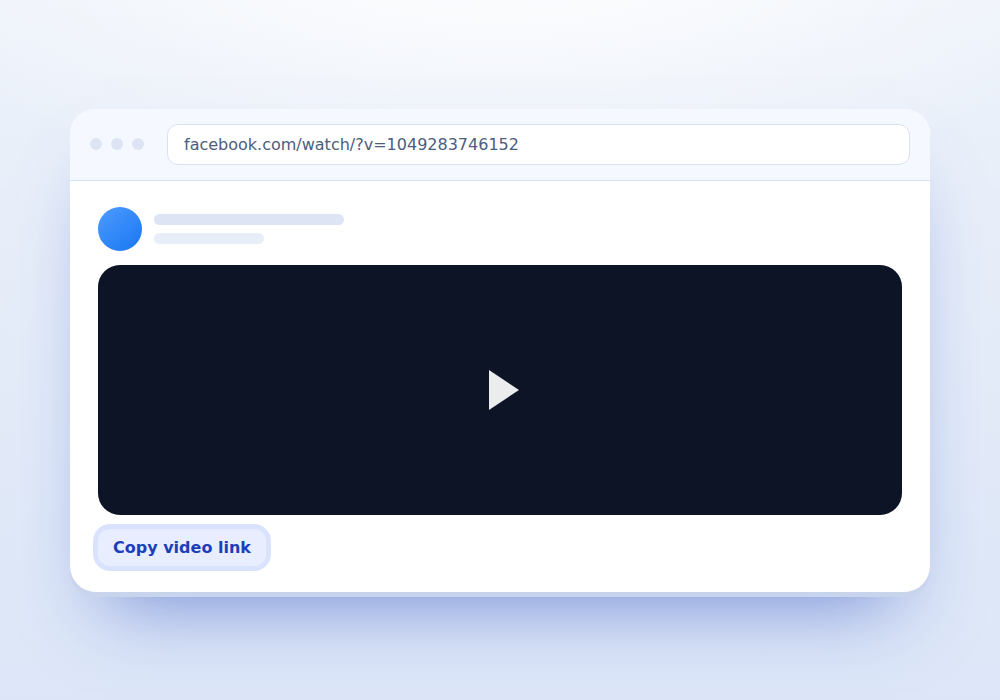
Copy the video link
In the app, tap the three dots above the post and choose Copy link. On desktop, click the timestamp under the poster name to open the video on its own page, then copy the address.
-
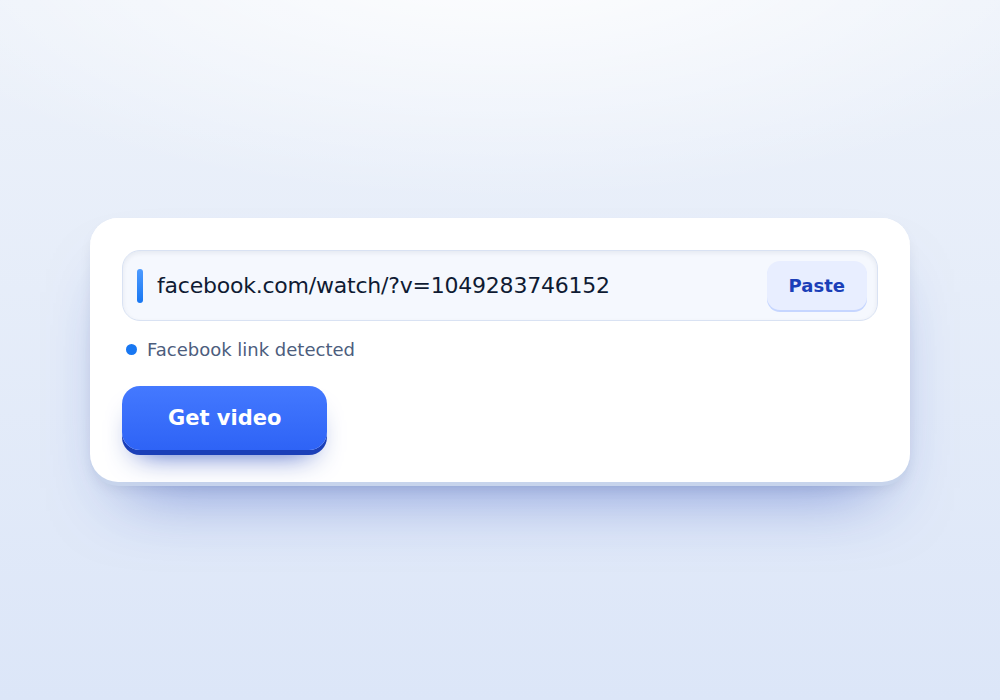
Paste and check
Press Paste here. The indicator turns blue once a Facebook address is recognised, including fb.watch and share links.
-
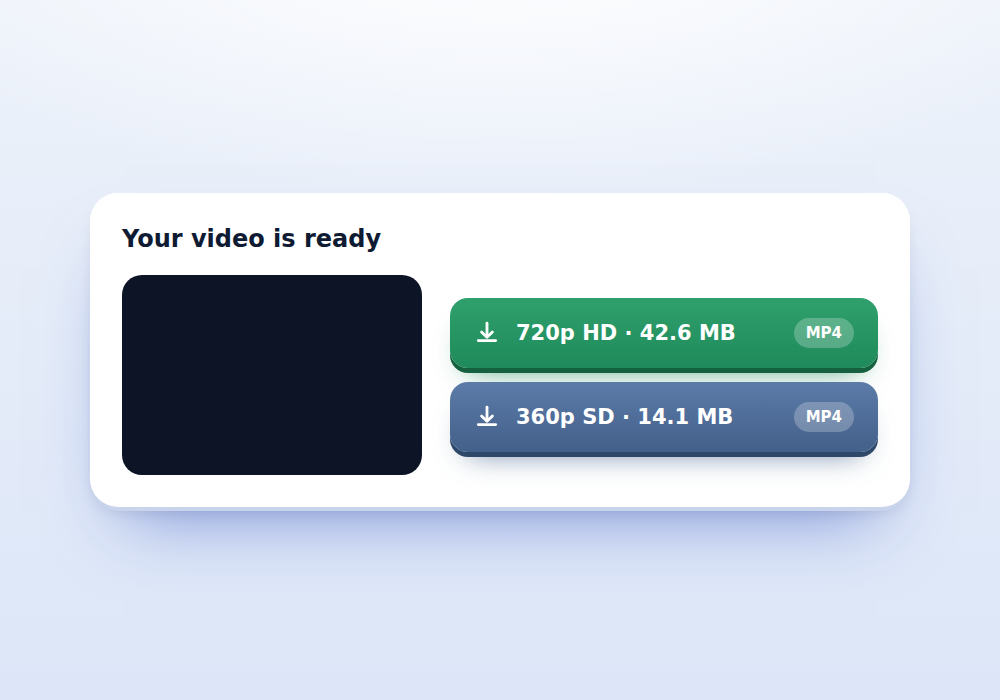
Pick HD or SD
Press Get video. If both files exist you will see two buttons with their real heights, so you can trade file size against picture quality.
What you get
-
HD and SD together
Both files are offered when Facebook publishes both, labelled with the resolution measured from the file itself.
-
Share links handled
fb.watch, fb.me and facebook.com/share addresses are followed automatically to find the real video.
-
Long videos welcome
There is no duration cap. A forty minute upload downloads the same way a thirty second clip does.
-
No Facebook account
You do not log in and we never request your credentials at any point.
-
Clean filenames
Files arrive named after the video rather than a string of random numbers, so a folder full of clips stays readable.
-
Reels covered too
Facebook Reels use a different link shape and have their own page at Facebook Reels Downloader.
Public means public, and that is the whole rule
Facebook privacy settings decide everything here. A video posted with the audience set to Public can be opened by anyone with the link, including our server, which is why it downloads. A video set to Friends, to a custom list, or posted inside a private group cannot be opened by a stranger, so there is nothing to fetch.
This catches people out because a video looks perfectly normal while you are logged in as a friend of the poster. The test is simple. Open the link in a private browsing window where you are not signed in. If Facebook shows you a login wall, no downloader can help, and any site claiming otherwise is either lying or asking for your password.
Facebook link formats that work
Facebook has accumulated a lot of address shapes over the years. These are all accepted:
- facebook.com/PageName/videos/123456789
- facebook.com/watch/?v=123456789 and facebook.com/watch/live/?v=123456789
- facebook.com/video.php?v=123456789
- facebook.com/reel/123456789 for Reels
- facebook.com/share/v/CODE and facebook.com/share/r/CODE
- fb.watch/CODE and fb.me/CODE short links
- The m.facebook.com and web.facebook.com versions of any of the above
Share links are resolved by following the redirect to the real video first, which adds a second or two to the lookup. That is normal.
What HD and SD actually mean here
Facebook stores most public videos twice. There is a higher bitrate file it calls HD and a smaller one it calls SD, and the app switches between them based on your connection. Both are complete files with sound, which is why this page can offer two real choices where the Instagram pages usually offer one.
The labels Facebook uses are vague, so we measure each file and show the true height instead. An HD file is often 720 pixels tall, sometimes 1080, and occasionally less if the uploader started from a small source. SD is typically 360 or 480. Seeing the real number lets you decide properly.
Pick HD when picture quality matters and you have the storage. Pick SD when you are on mobile data, sending the file through a messaging app with a size cap, or archiving something where legibility matters more than sharpness.
Getting the link on each device
In the mobile app, tap the three dots in the top right of the post and choose Copy link. If you only see Share, use Share then Copy link from the sheet that appears.
On desktop, do not copy the address while scrolling the feed, because feed addresses often point at the whole story rather than the video. Click the timestamp under the poster name, which opens the video on its own page, then copy from the address bar.
For a video inside a group or page, open it to full screen first. The full screen player has its own address which is stable and works reliably.
When only one quality appears
Sometimes you will see a single button instead of two. There are three usual explanations, and none of them mean the download failed.
The uploader posted a low resolution source, so Facebook never generated an HD copy. A very old video may predate the current HD pipeline. Or the video is a live broadcast recording, which Facebook stores differently and often keeps as one file.
If a page really has no complete file at all, for example a stream still in progress, the tool says so rather than showing an empty result.
File sizes and slow connections
Facebook videos run much longer than Instagram Reels, so file sizes vary a lot. A three minute HD clip is often between thirty and eighty megabytes, and a half hour recording can pass five hundred.
If a download stalls part way, the usual cause is the connection dropping rather than the link failing. Fetch the video again to get a fresh address and restart. Download addresses from Facebook are time limited by design, which is also why a link you saved yesterday will not work today.
Copyright still applies
A public setting means anyone can watch. It does not mean anyone can reuse. News footage, sports clips, music performances and film excerpts are usually owned by companies that enforce their rights, and Facebook itself runs automated matching that will find a reuploaded clip quickly.
Save for yourself, for reference, or with permission. If you plan to publish, get it in writing from whoever holds the rights. Our Terms of Service and Disclaimer pages set out where our responsibility ends and yours begins.
Frequently asked questions
Can I download a video from a private group?
No. Group content is only visible to members, and our server is not a member. The lookup returns nothing and the page tells you the post is not publicly viewable.
Why do I only get SD for some videos?
Facebook only publishes an HD copy when the upload was high enough resolution to justify one. Older videos and low resolution uploads exist as a single file.
Do fb.watch links work?
Yes. Short links are followed to the real video address before the lookup runs, so you can paste them exactly as copied.
Is there a maximum video length?
No. Long uploads work, though the file will be large and a slow connection may take a while.
Can I download live streams?
Only after the broadcast has finished and Facebook has saved it as a normal video. A stream still running has no finished file to hand over.
Does the downloaded video have sound?
Yes. Both the HD and SD files include the audio track. Nothing needs to be merged afterwards.
Will Facebook know I downloaded the video?
No notification is sent to the poster and there is nothing tied to your identity, since you never sign in.